
Updating the plan status based on CRM conditions
Keeping your onboarding plan status in sync with your CRM can be automated.
Each plan has a status associated with it. You can trigger the plan status to be set to complete based on specific conditions in HubSpot.
This ensures your reporting and dashboards stay accurate, even if customers leave a few optional tasks unfinished at the end of their journey.
How to automate plan status completion
To set up this automation, you’ll need to edit the settings within your Arrows onboarding template.
Open the template
Click on the template settings menu
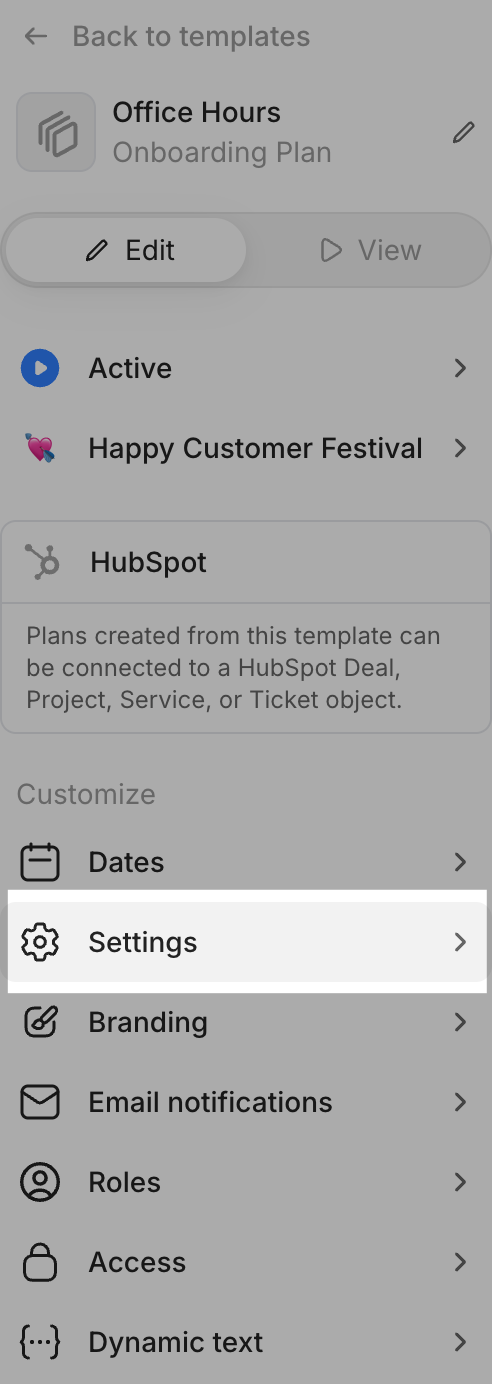
Locate the section labeled Mark plan complete based on HubSpot property.
Switch the toggle to On.
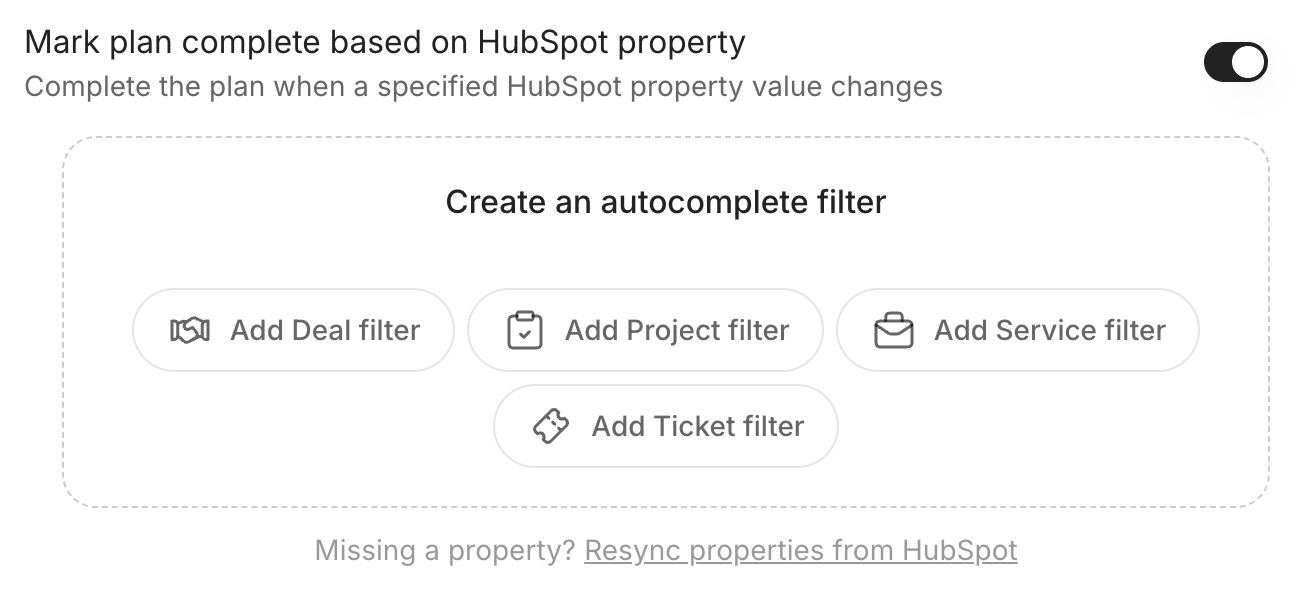
Select the record type in HubSpot you use for managing onboarding plans and then select Edit conditions.
Define the criteria that should trigger the status change. You can reference properties on the HubSpot record that the plan is connected to (deals, tickets, services, projects, or custom objects). In this example, we are using the ticket record.
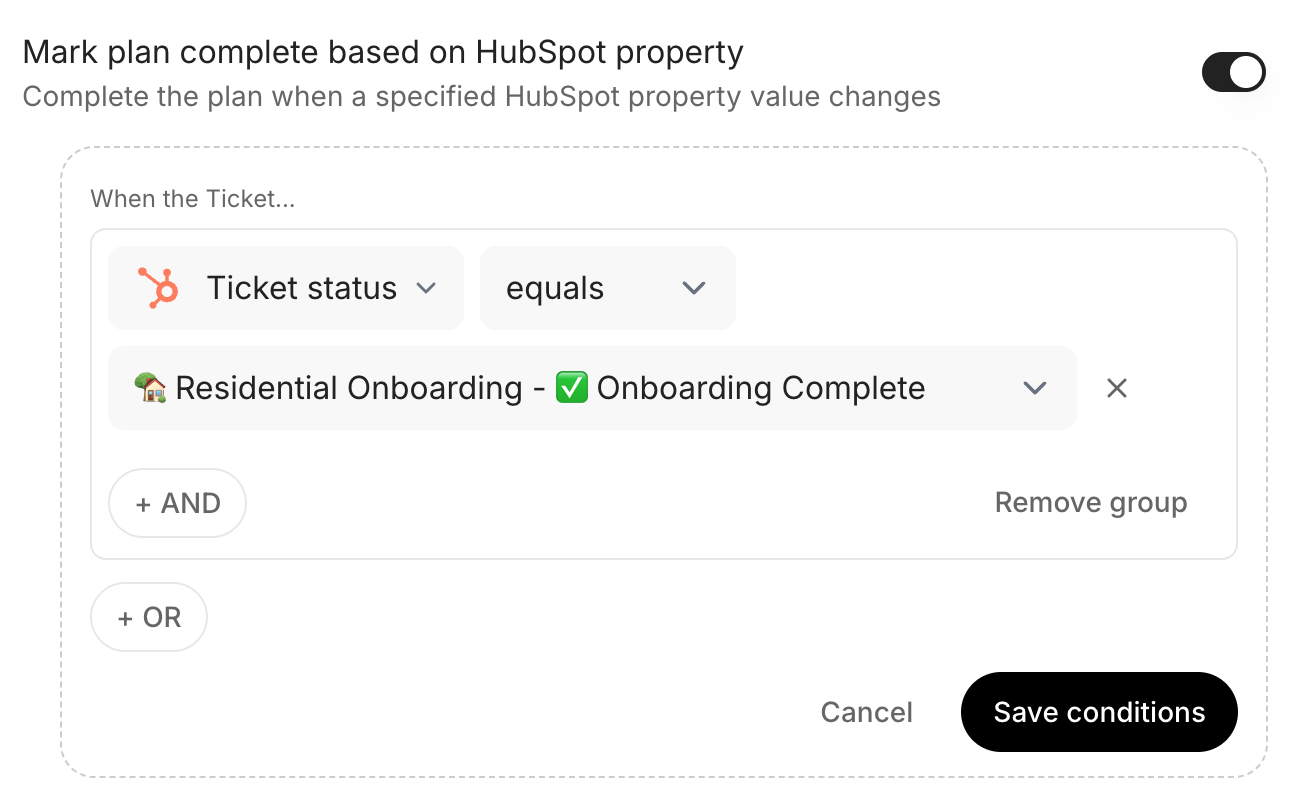
Once your conditions are set, click Save conditions.
How it works
Once this is enabled on your template, any new plan created from it will actively monitor the connected HubSpot record. The moment those conditions are met, the plan status will automatically flip from Active to Complete.
Important notes
Object connection: The plan can only reference properties on the specific object it is connected to (e.g., if your plan is linked to a Deal, you must use Deal properties for your conditions).
Handling optional tasks: This is particularly useful if you have optional tasks at the end of a plan. Even if those tasks remain "open," meeting the HubSpot condition will change the plan status to complete out the entire plan for reporting purposes.
Plan access: regardless of plan status, your customers can still access the plan! Changing the status to complete will stop your participants from receiving email reminders for tasks that are due or overdue.