Installing the Arrows package for Salesforce
The following guide is for connecting Arrows to your Salesforce account.
Prerequisites and permissions
You'll need the following access level an prerequisites to install the Arrows +Salesforce package
Admin access in Arrows
A Salesforce user you can install Managed Packages (typically a Salesforce Admin)
A Salesforce edition that includes API access (most plans will likely have this)
Starting the Salesforce connection in Arrows
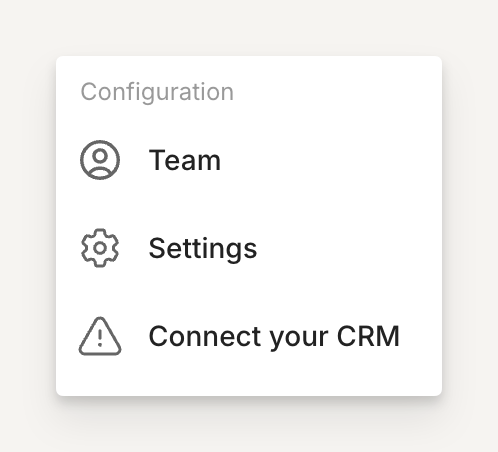
In Arrows, click on Connect your CRM from the main dashboard (or click here - https://app.arrows.to/integrations)
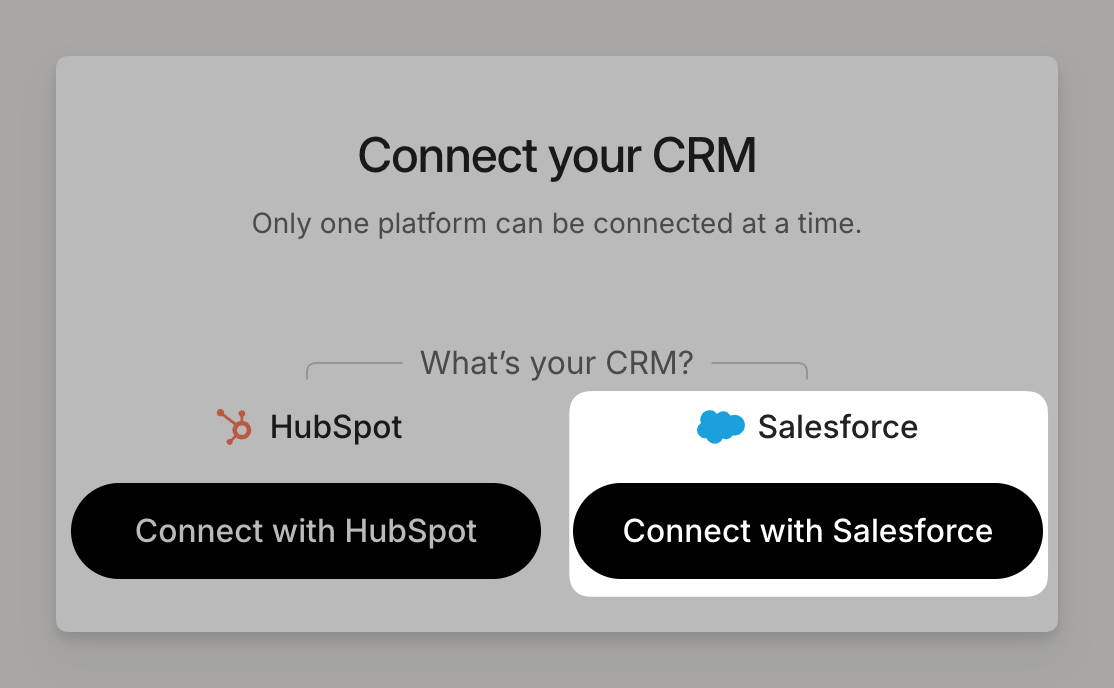
Select Connect with Salesforce
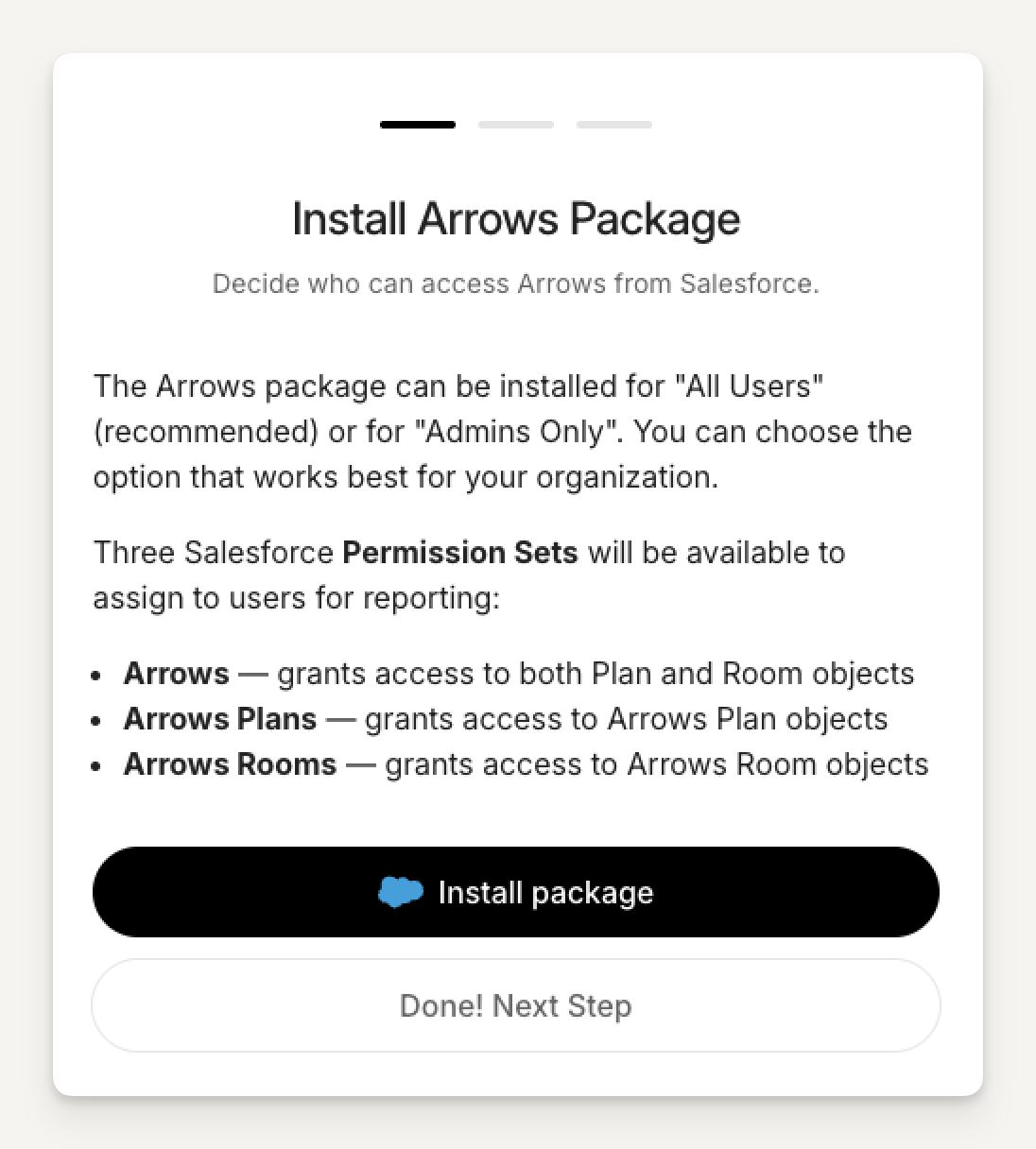
Install the Arrows package
When you install this managed package, Arrows will create custom objects (Plan and Room) for synced data.
You can create and manage Arrows Rooms and Plans directly from Salesforce using Lightning Web Components (UI Cards).
The package includes Report templates and pre-built reports/dashboards.
In the Salesforce connection flow, click Install package.
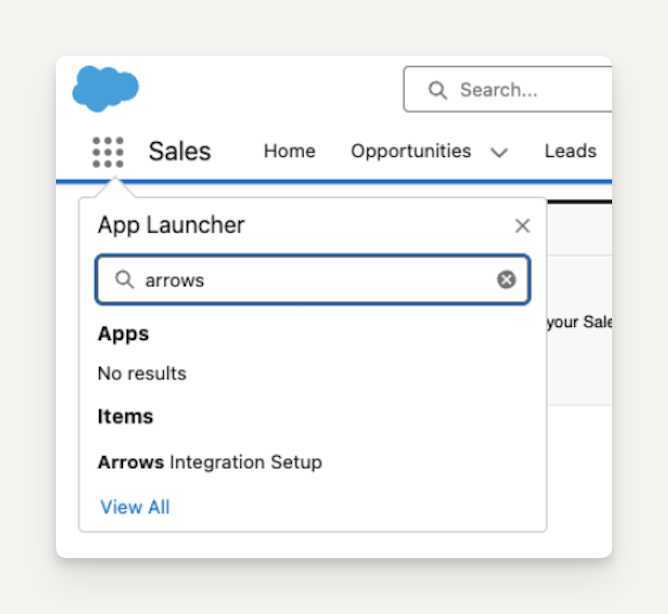
Once the package is installed, search for and select "Arrows Integration Setup" in the Salesforce App Launcher
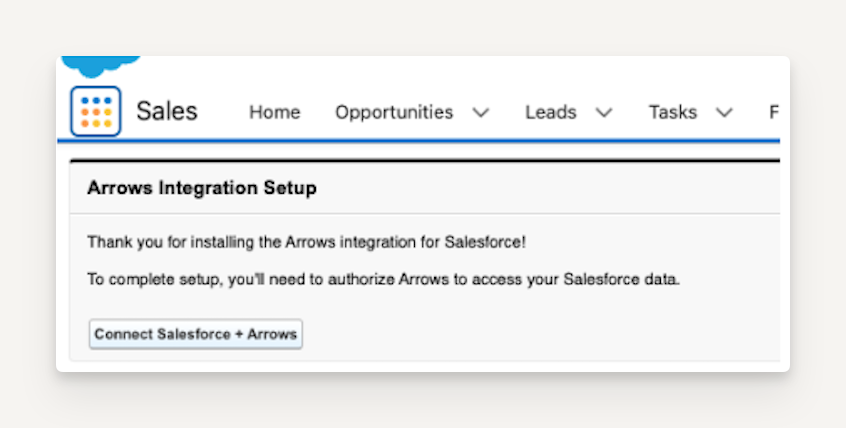
Once you select "Arrows Integration Setup" click on "Connect Salesforce + Arrows"
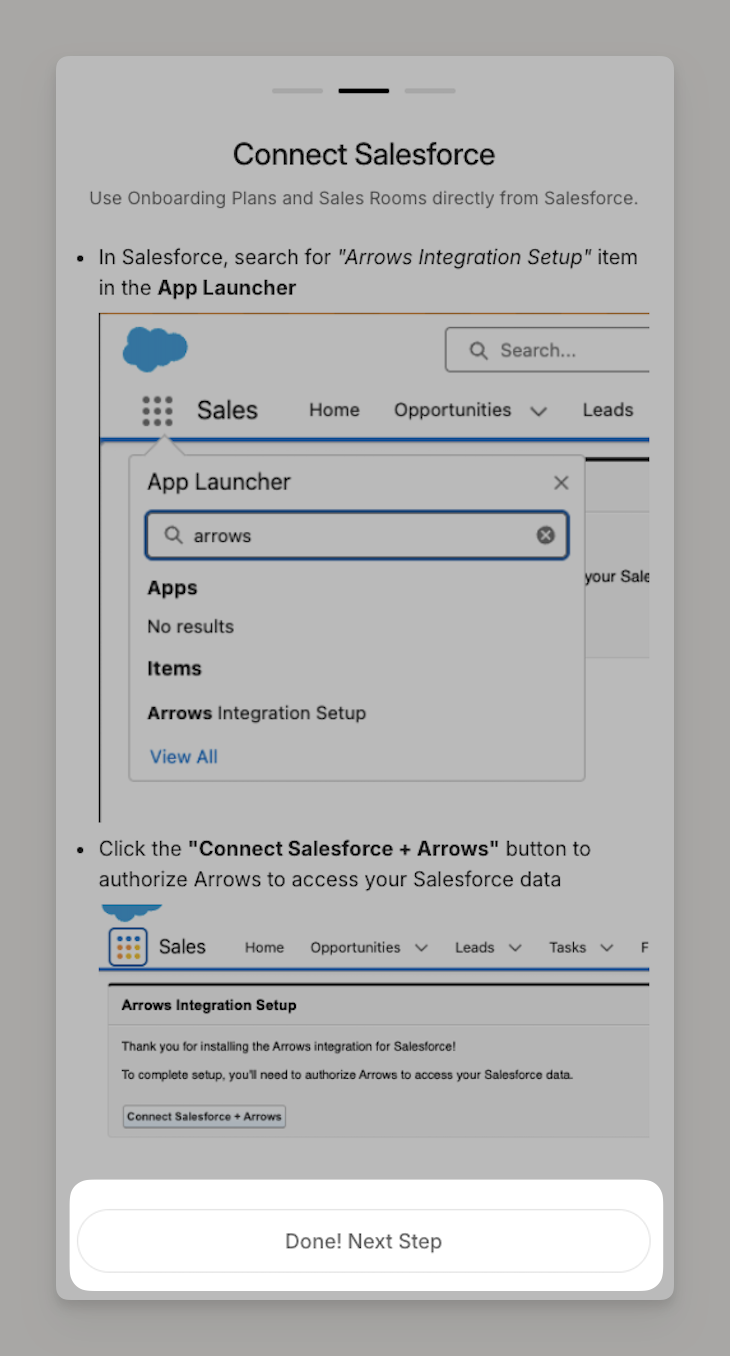
Back in Arrows, select Done! Next Step once the above is complete
Add the Arrows CRM cards
Once the package is installed, you'll need to add the Arrows CRM cards to your objects to create rooms and plans from Salesforce.
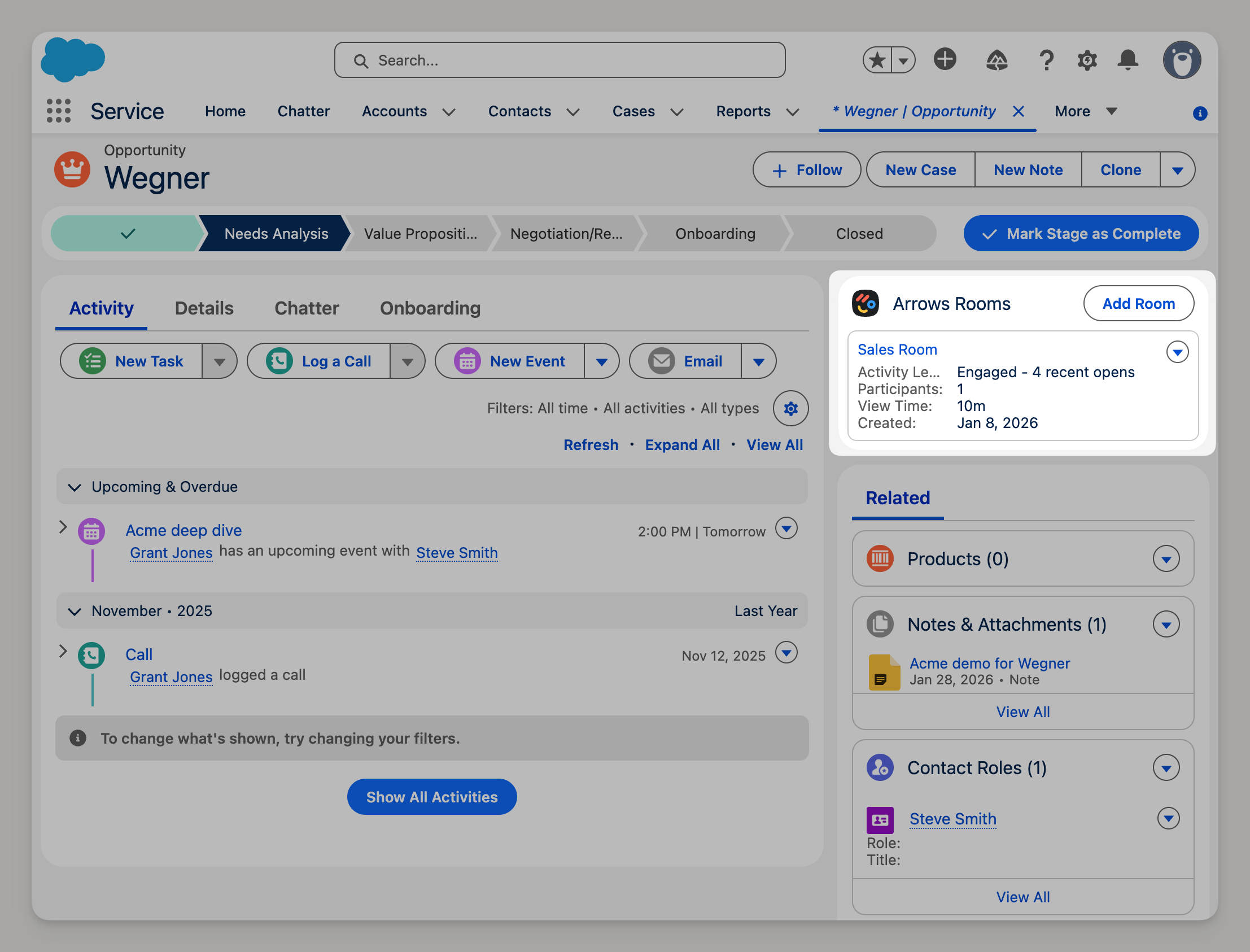
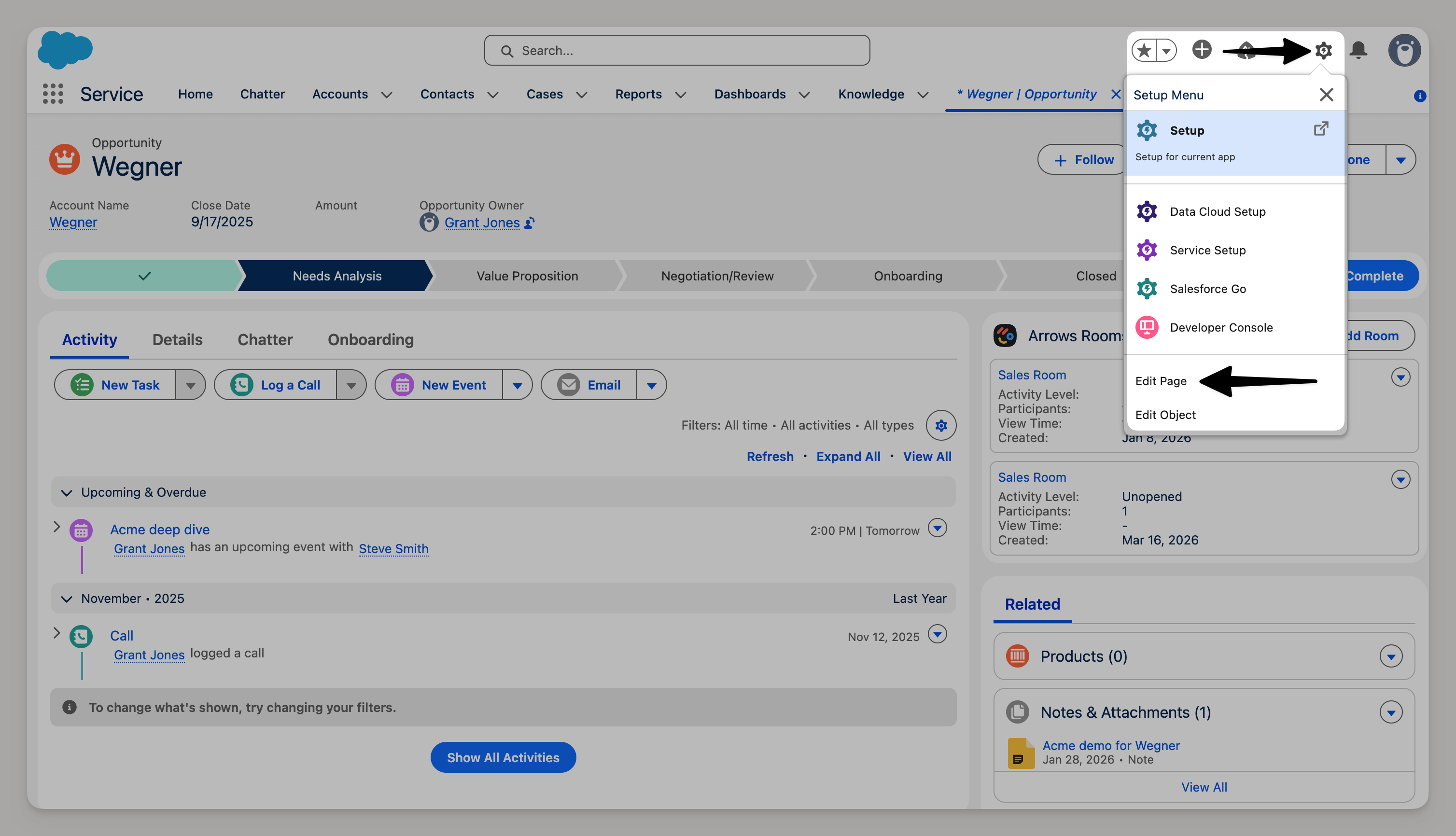
Rooms can be connected to the Salesforce Opportunity and Account records (see screenshot below)
Plans can be connected to the Salesforce Case, Opportunity, and Account records
Custom objects are supported but will require SF Admin to make some changes
From the record of your choice, open the Gear icon in the top right of the page and select Edit Page
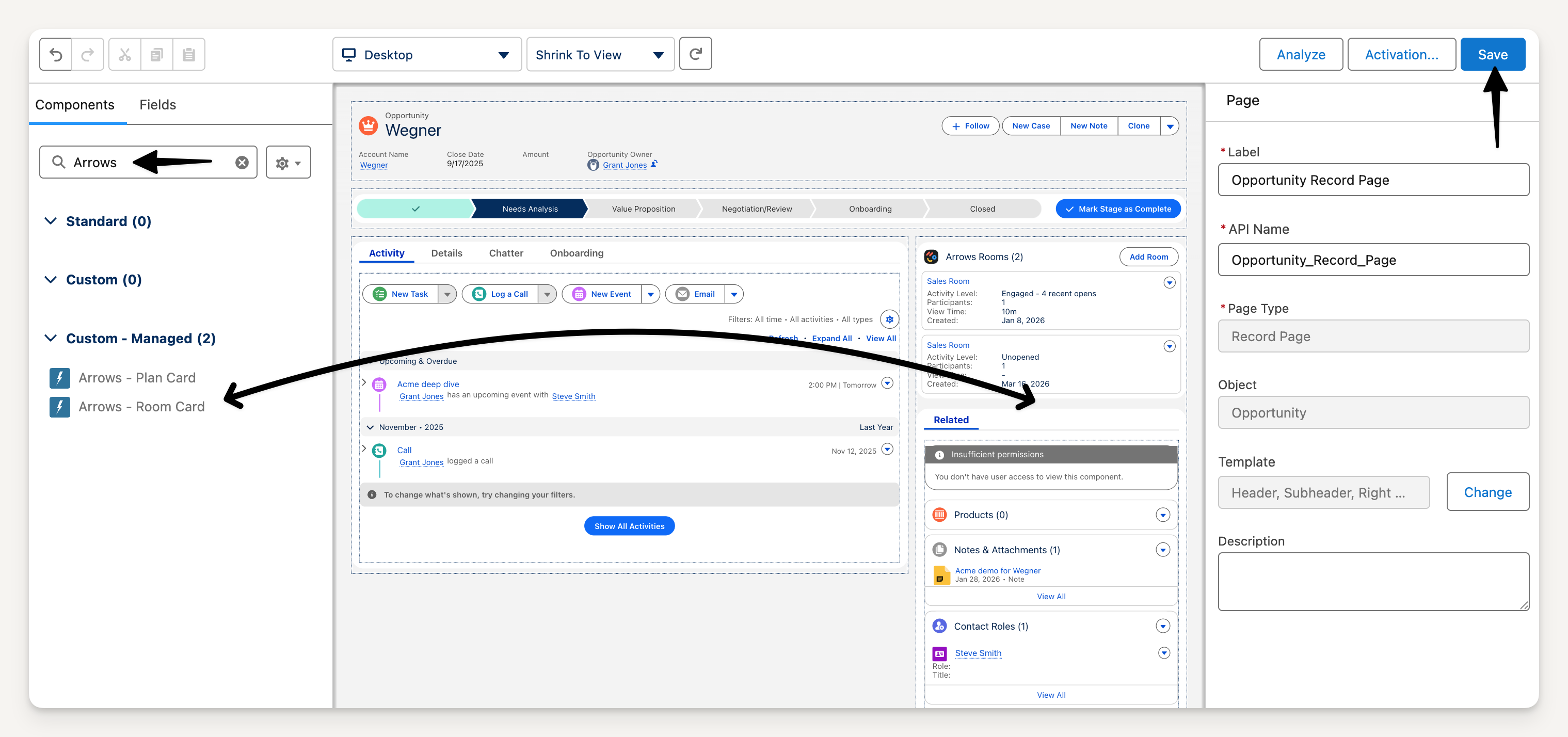
Search for Arrows
Drag the Arrows app card to your location of choice
Select Save to finish the page setup
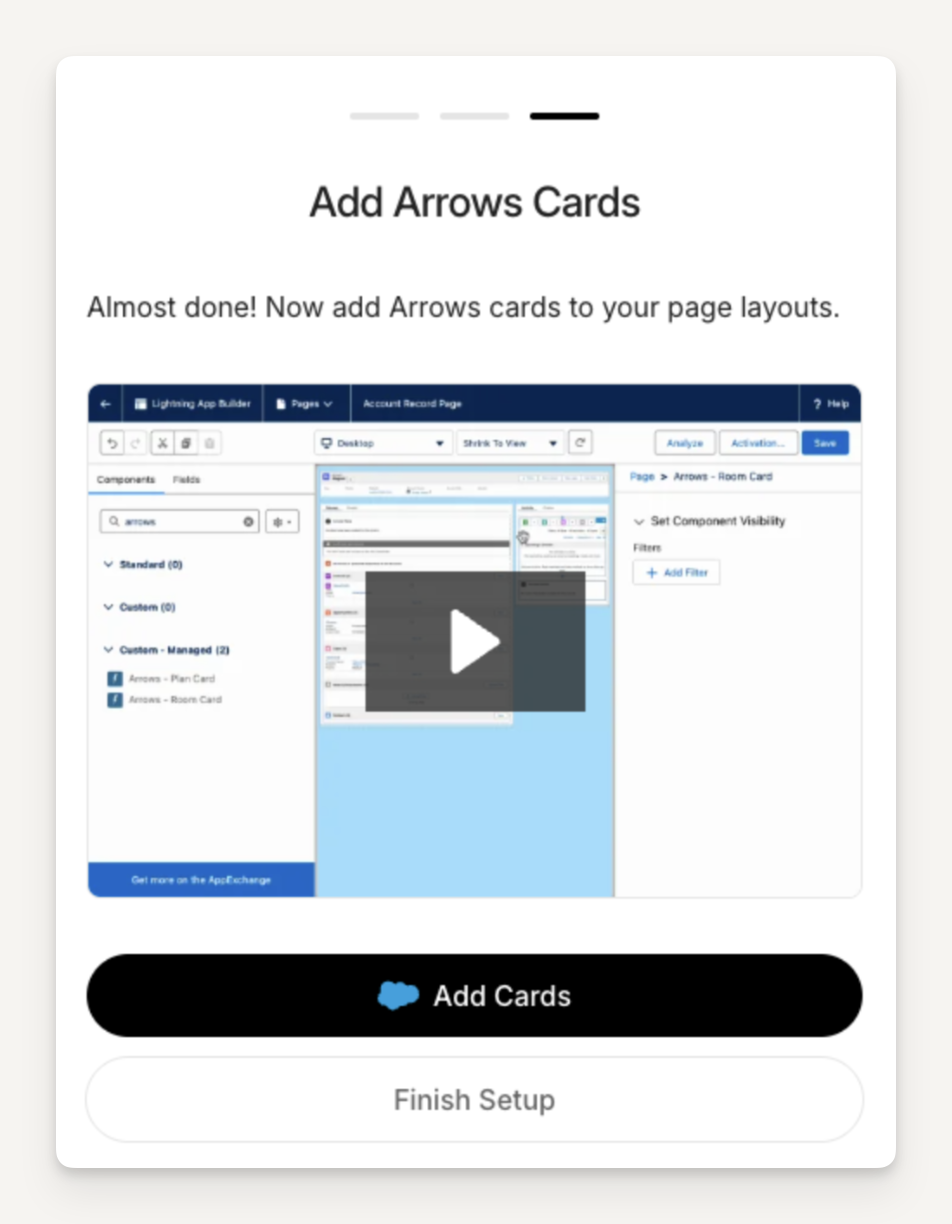
Back in Arrows, select Finish Setup from the install flow
Post-install validation
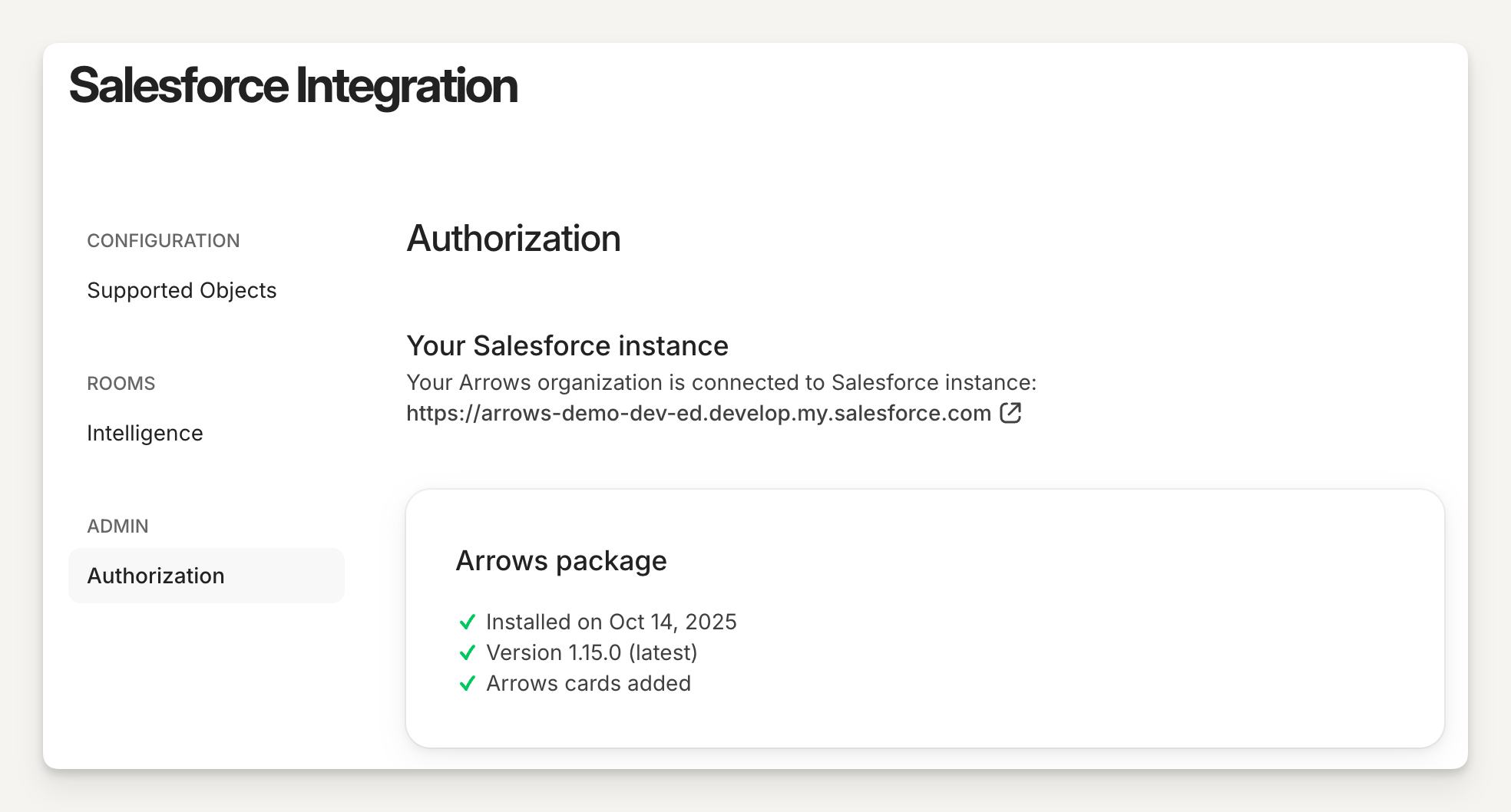
When installed correctly, you'll see a screen similar to this in your Arrows account: