Agent block: Why now
Show buyers that you actually listened. The Why now block creates a personalized summary of why moving quickly on their decision to buy matters most.
Your buyer will feel a sense urgency to keep the momentum moving based on their OWN goals and challenges.
What this block does
This block reads the call transcripts (and any emails or notes from your CRM) to generate a concise, buyer-facing summary of why the need to consider buying NOW.
It highlights the business cost of waiting and emphasizes that staying on their current path means for their team 3-6 months from now.
This includes information such as:
Pains they are currently experiencing
Emphasizes their need for a change
Reminds of what is available if they act now
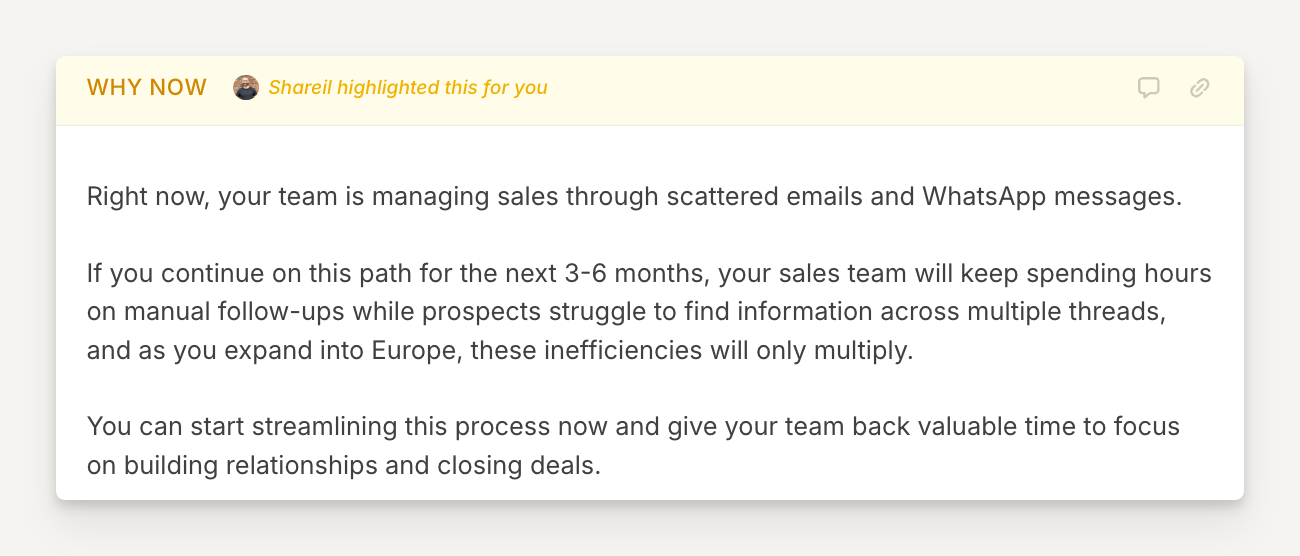
The buyer sees this in their room and immediately recognizes the conversation they had with you. It signals that you understand their situation AND makes them feel heard.
Here is an example of a Why now block based on the configuration that follows below:
Why use it
Buyers often feel and share a pain during the demo, but go back to their day-to-day once the call is over.
Seeing a personalized summary of why they need to keep this decision a priority builds urgency and deal momentum.
💡 Pro tip: This block works best when created after an initial demo or follow upcall.
How to set it up
After adding an Agent block to your template:
Title the block "Next steps"
Add the agent instructions (copy prompt below)
Hit Next
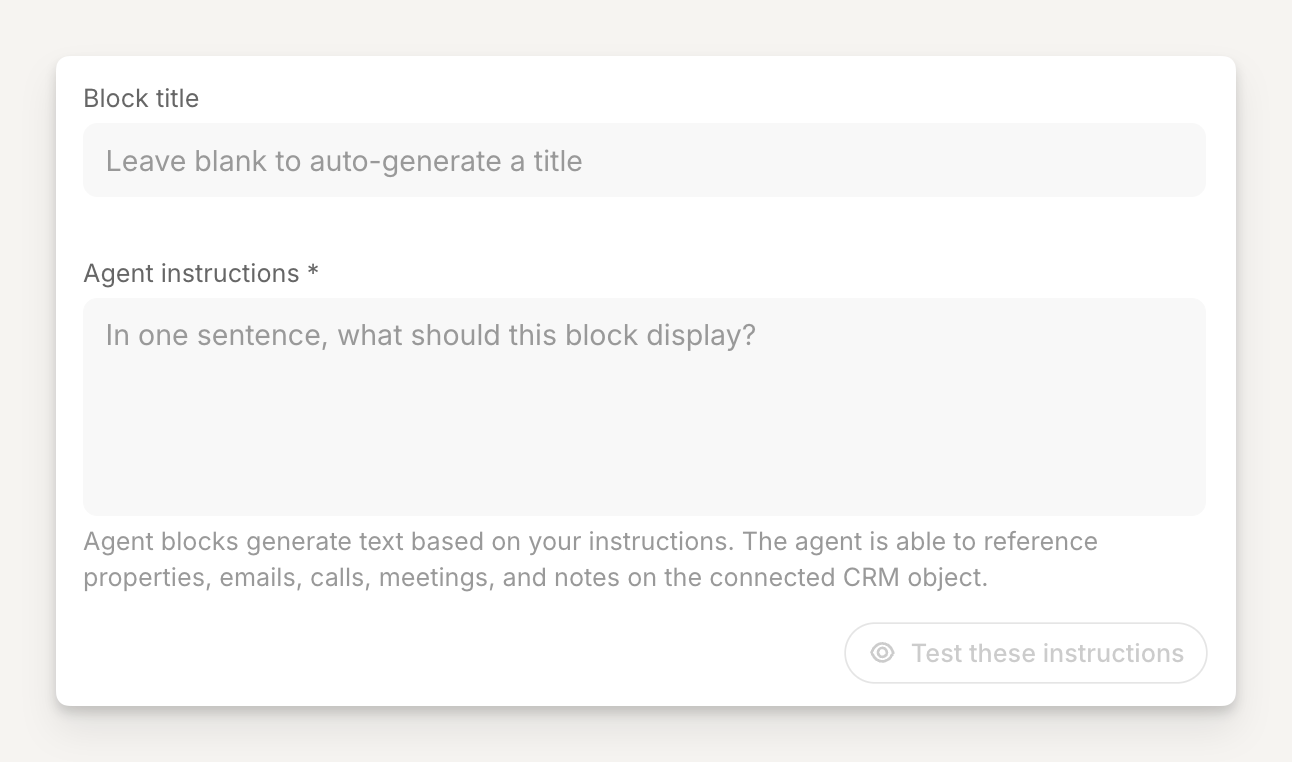
The starting point for the agent block will look something like this:
Copy and paste these Agent instructions
Block title:
Why now
Agent instructions:
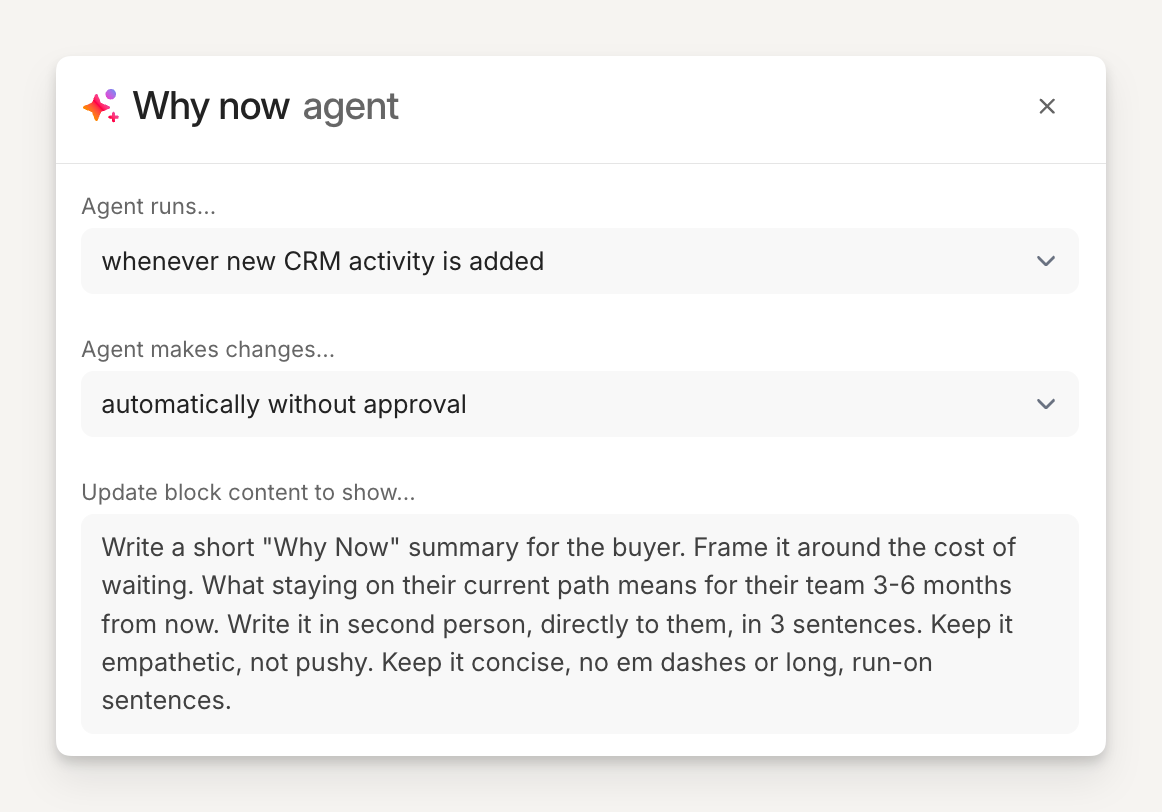
Write a short "Why Now" summary for the buyer. Frame it around the cost of waiting. What staying on their current path means for their team 3-6 months from now. Write it in second person, directly to them, in 3 sentences. Keep it empathetic, not pushy. Keep it concise, no em dashes or long, run-on sentences.
Configuration
Tell the agent when to run and when to make changes.
In this example, we want the agent to run whenever new CRM activity is added and automatically make the changes to the block so it is always in the most current state!