Agent block: Return on investment
Show buyers that you actually listened. The ROI block creates a personalized summary of what the buyer can expect in terms of return on their investment.
This information can easily be shared internally by your buyer - conversations you often do not get to be a part of.
It should help your buyer champion your product or service more easily!
What this block does
This block reads your call transcripts (and any emails or notes from your CRM) to generate a concise, buyer-facing summary of the ROI of working with you.
This includes information such as:
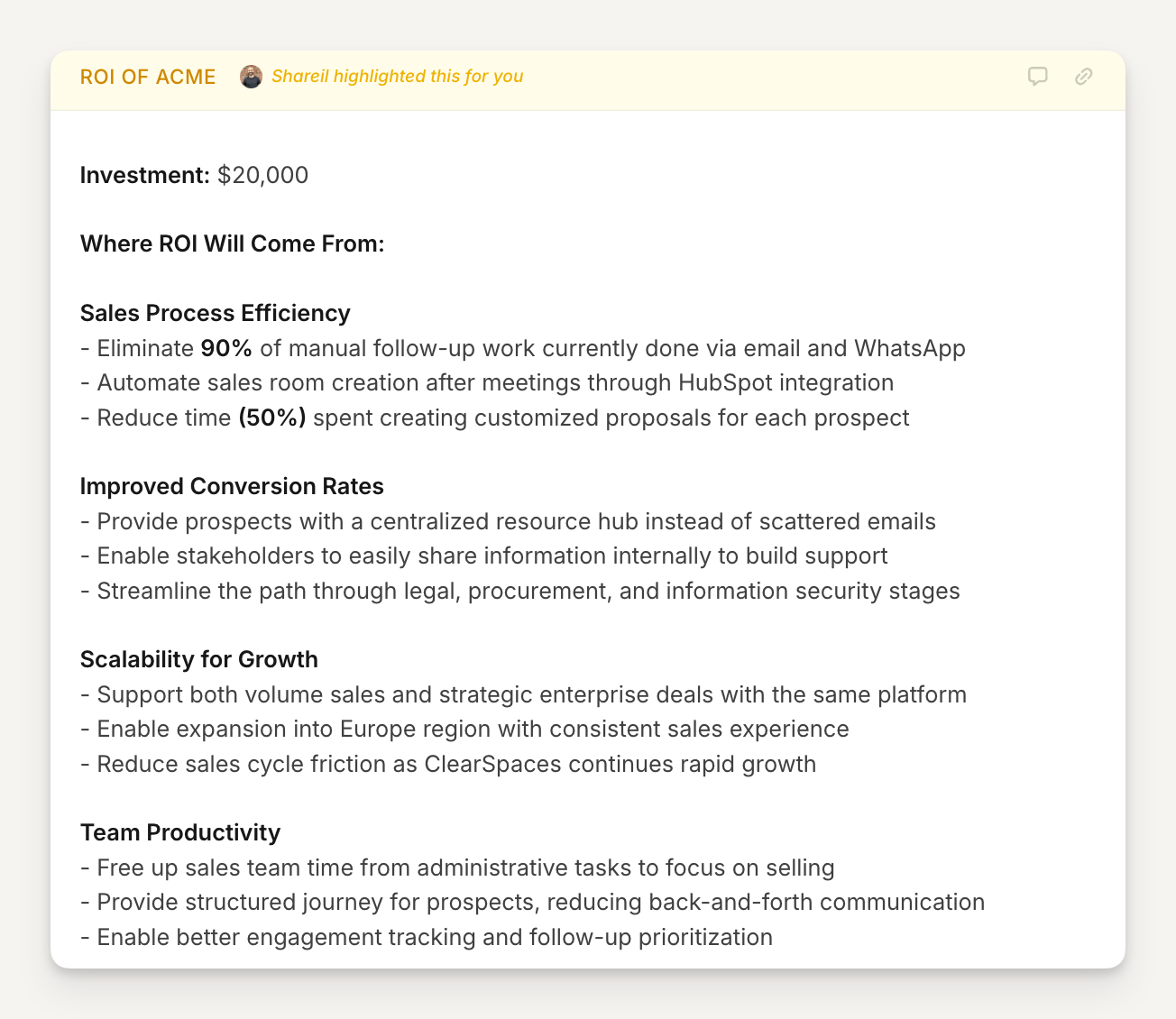
Expected efficiency gains, with detailed metrics for their business
How certain features impact their specific needs
Potential investment costs discussed
The buyer sees this in their room and immediately recognizes the conversation they had with you, and gives them something they can take back to their team for review.
Here is an example of an ROI block based on the configuration that follows below:
Why use it
Buyers often have to go review the decisions with their teams - the most critical information is now available to them in real-time.
💡 Pro tip: This block works best when placed in a section for Pricing, somewhere in the middle of your room. This section might also include detailed pricing information.
How to set it up
After adding an Agent block to your template:
Title the block "ROI of (company name)"
Add the agent instructions (copy prompt below)
Hit Next
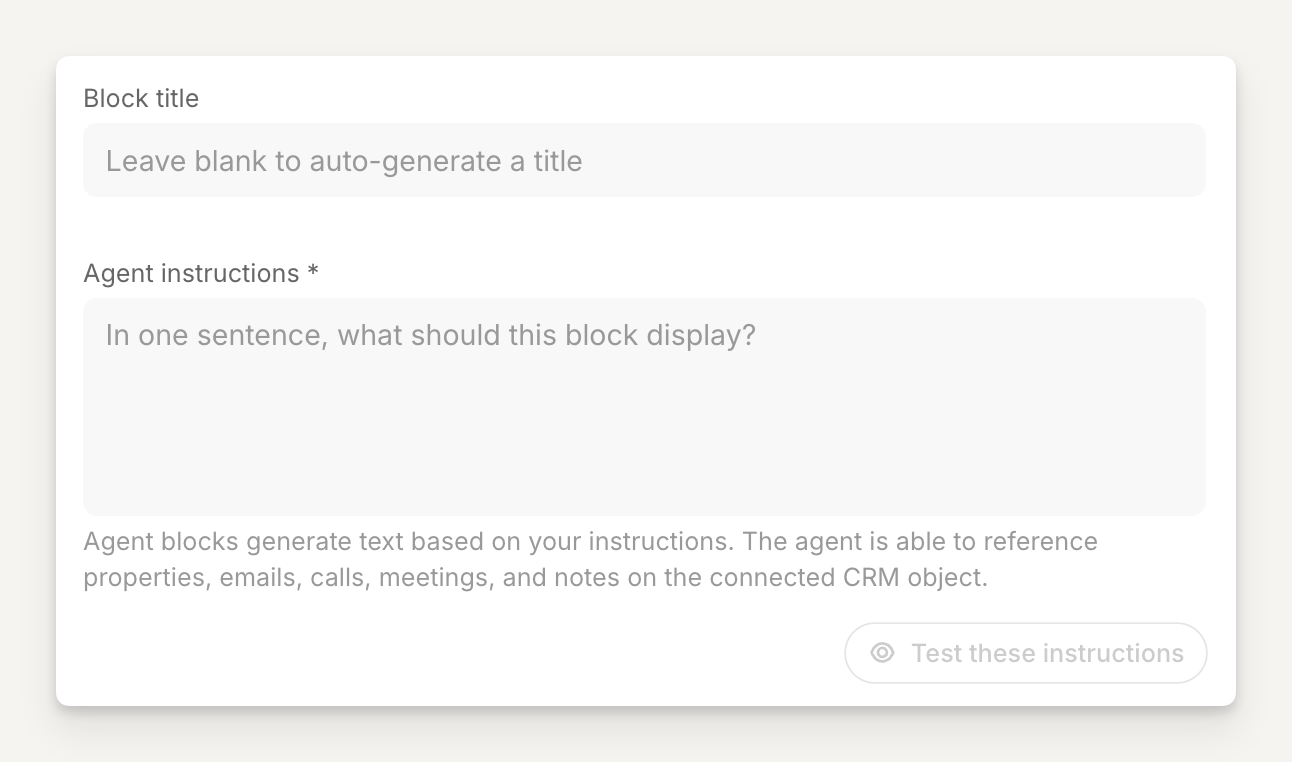
The starting point for the agent block will look something like this:
Copy and paste these Agent instructions
Block title:
ROI of (company name)
💡 in this example we use "ACME" as the company name, replace this with your company name in the prompt
Agent instructions:
Concisely highlight where the ROI of ACME will come from as if our champion is using this to justify the investment in ACME to their finance team. Use metrics and real numbers wherever possible but never invent them.
Configuration
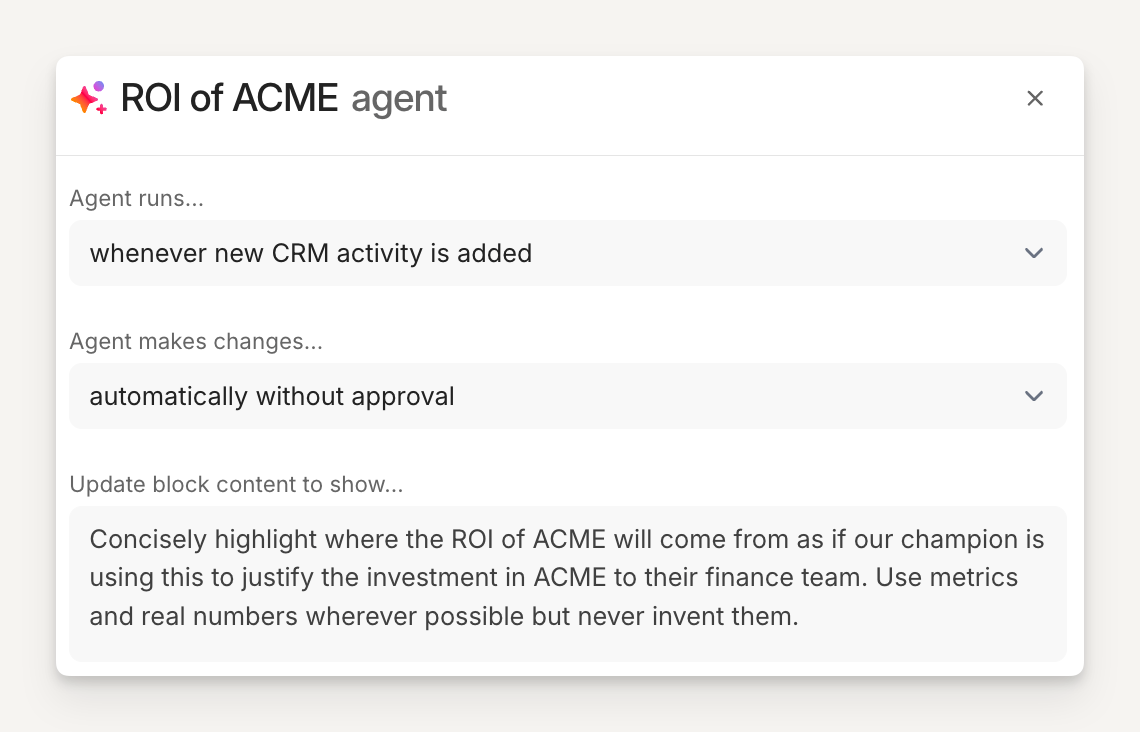
Tell the agent when to run and when to make changes.
In this example, we want the agent to run whenever new CRM activity is added and automatically make the changes to the block so it is always in the most current state!