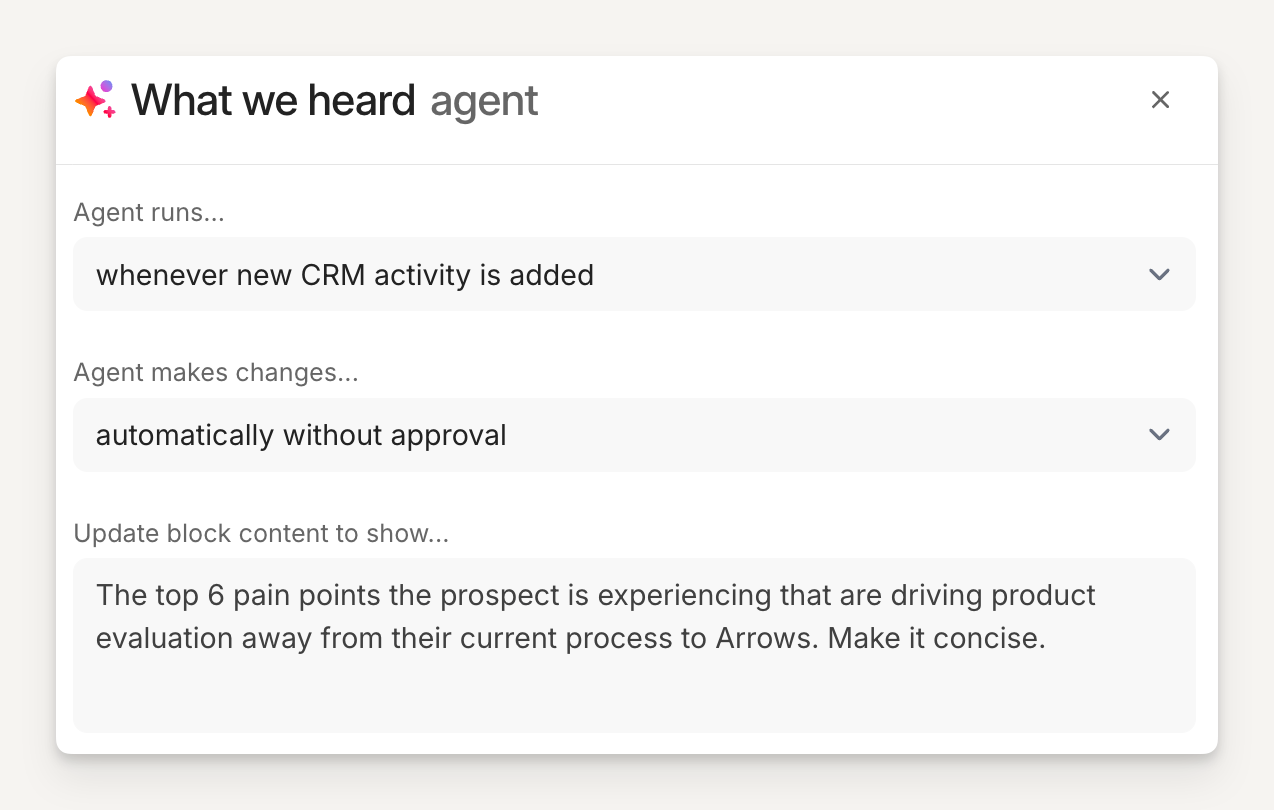
Agent block: What we heard
Show buyers that you actually listened. The What we heard block creates a personalized summary of everything the buyer shared about their goals, challenges, and priorities, and displays it directly in their sales room.
What this block does
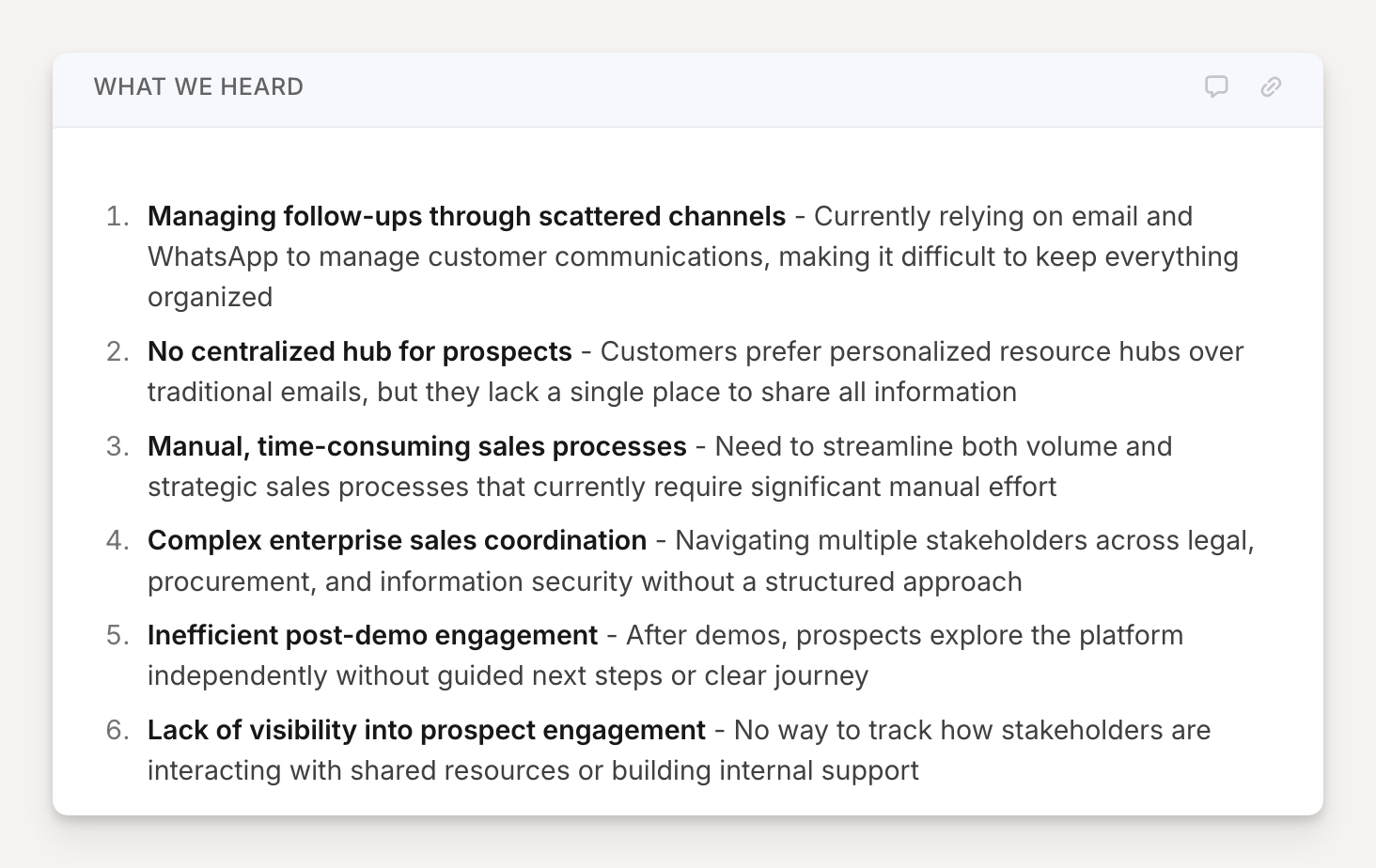
After your discovery or demo call, this block reads the transcripts (and any emails or notes from your CRM) to generate a concise, buyer-facing summary of highlights that includes points such as:
The main goals the buyer wants to achieve
The specific challenges or pain points they described
Key context about their current situation or team
The buyer sees this in their room and immediately recognizes the conversation they had with you. It signals that you understand their situation AND makes them feel heard.
Here is an example of a What we heard block based on the configuration that follows below:
Why use it
Buyers often receive generic follow-up materials after a demo, and it often comes hours afterwards.
Seeing a personalized summary of their own words and priorities in the room IMMEDIATELY creates a moment that builds trust and keeps the deal moving.
💡 Pro tip: This block works best when placed near the top of the room, right after your intro section. It sets a personalized tone before buyers scroll through your content.
How to set it up
After adding an Agent block to your template:
Title the block "What we heard" (or something similar)
Add the agent instructions (copy prompt below)
Hit Next
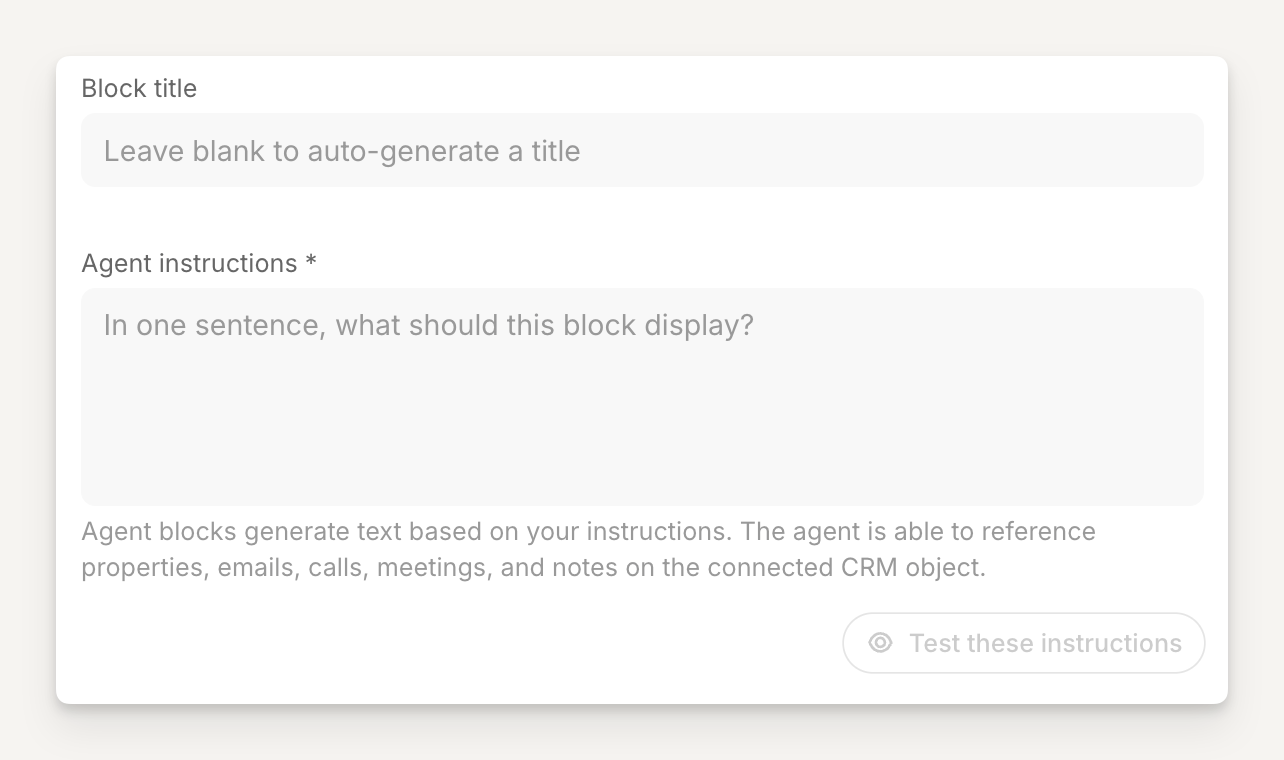
The starting point for the agent block will look something like this:
Copy and paste these Agent instructions
Block title:
What we heard
Agent instructions:
The top 6 pain points the prospect is experiencing that are driving product evaluation away from their current process to Arrows. Make it concise.
Configuration
Tell the agent when to run and when to make changes.
In this example, we want the agent to run whenever new CRM activity is added and automatically make the changes to the block so it is always in the most current state!